Back
Insights
20 Top AI Assistant Examples for Enterprise Business

Tushar Dublish

Artificial intelligence has moved from experimental technology to an everyday operational tool inside large organizations. Enterprises across industries now rely on intelligent systems to automate repetitive work, analyze massive datasets, assist employees, and improve customer experience.
At the center of this transformation sits a new category of software: the enterprise AI assistant.
Platforms such as Action Sync are emerging to power this shift by acting as an intelligent layer across workplace tools. Instead of employees manually navigating dozens of applications, these assistants connect internal systems, retrieve knowledge instantly, and automate multi-step workflows through a single conversational interface.
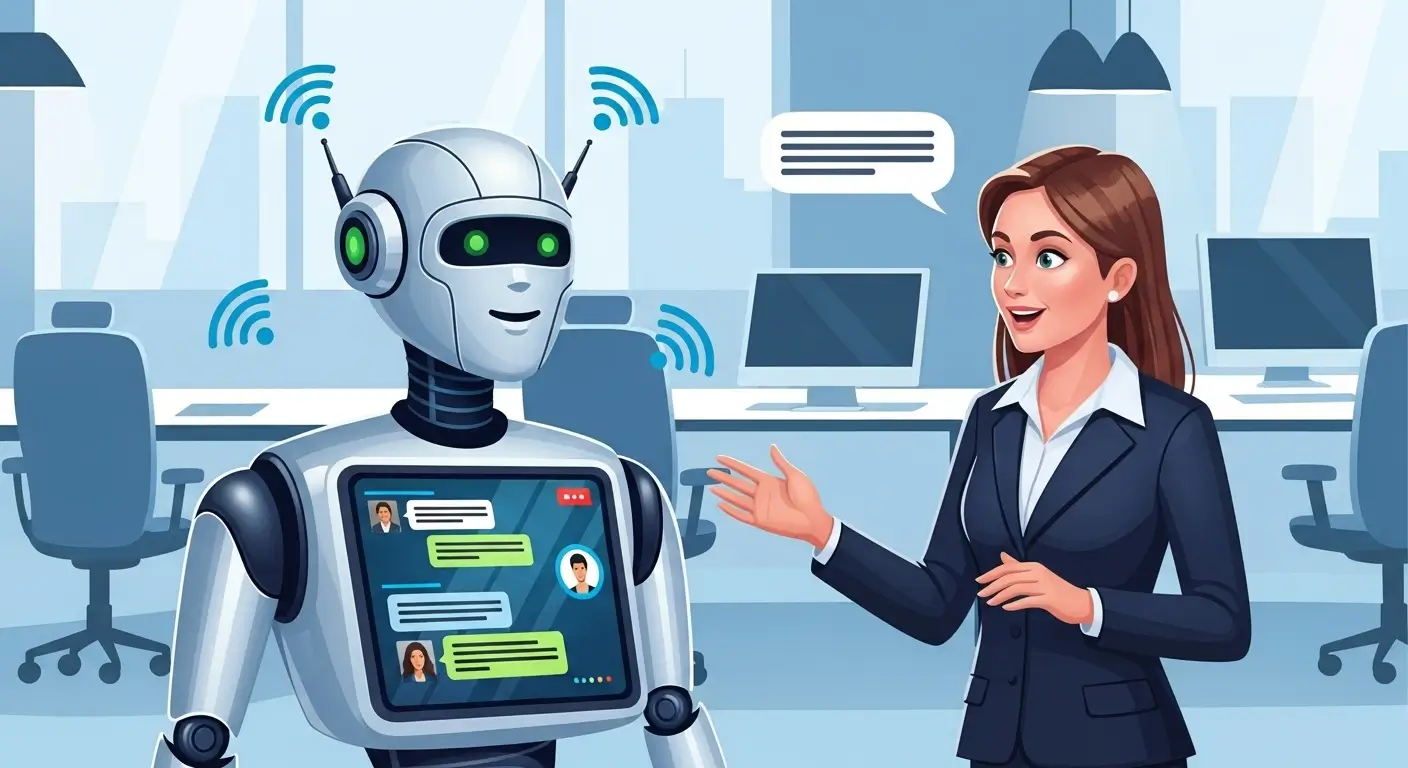
Unlike consumer chatbots or voice assistants, enterprise assistants are designed to work across business systems such as CRM platforms, internal knowledge bases, ticketing tools, emails, project management platforms, and communication systems. Their goal is simple yet powerful: help employees find information faster, complete tasks automatically, and make better decisions.
In recent years, organizations have begun deploying AI assistants in nearly every department. Right from HR and customer support to sales, finance, engineering, and executive leadership. These assistants are not replacing employees; instead, they act as digital coworkers that amplify human productivity. Think of getting weeks of work done in mere hours.
This article explores the top AI assistant examples for enterprise business. All combine with the real‑world implementations used by large organizations, and how companies use them to transform their operations.
Whether you're a technology leader, product manager, or business executive, understanding how enterprises are deploying AI assistants will help you identify opportunities for automation, efficiency, and innovation.

Why Enterprises Are Adopting AI Assistants
Organizations are investing heavily in enterprise assistant benefits for several reasons. Behind the hype, there are real operational challenges that AI assistants directly solve inside large organizations. Here are a few notable ones.
1. Knowledge Overload
Modern enterprises generate an enormous amount of internal data every day. Documents, chat messages, emails, reports, dashboards, and product documentation. The problem is not a lack of information, but the difficulty of accessing the right information quickly.
Research from McKinsey shows that knowledge workers spend about 5 hours per week searching for information, which represents nearly 12% of their total work time. Improving enterprise search platform discovery alone can produce 10–15% productivity gains for knowledge workers.
Now imagine a company with thousands of employees. This lost time compounds into millions of hours every year.
AI assistants solve this challenge by acting as an intelligent knowledge layer across enterprise systems. Instead of digging through dozens of tools, employees can simply ask a question and receive contextual answers instantly.
Modern enterprise assistant platforms, like Action Sync, address this challenge by connecting internal tools like Slack, Google Drive, Gmail, Notion, CRM platforms, and analytics systems. Instead of employees manually searching multiple applications, the assistant retrieves answers across all connected systems in seconds.
2. Operational Efficiency
A large portion of corporate work involves repetitive operational tasks: writing reports, compiling data, summarizing meetings, drafting emails, updating CRM entries, or preparing internal documentation.
Generative AI assistants significantly reduce the time required for these activities. Studies show employees using AI tools save 1.5 to 2.5 hours per week on average, while heavy users report saving more than 9 hours per week.
Another large study of knowledge workers found that AI reduces time spent on repetitive tasks by up to 60%. Thus, allowing employees to focus on higher‑value work such as strategy, creativity, and customer relationships.
For enterprises operating at scale, even small efficiency improvements translate into significant cost savings and productivity gains.
3. Better Decision‑Making
Executives and managers depend on data from multiple systems. Right finance dashboards, CRM pipelines, product analytics, customer feedback, and operational reports.
The challenge is not the availability of data but the ability to synthesize it quickly.
AI‑driven decision assistants help leaders analyze large datasets, summarize insights, and highlight anomalies or trends.
4. Employee Productivity
Employees in large companies often juggle multiple applications. Be it email, messaging platforms, CRM systems, project management tools, knowledge bases, and analytics dashboards.
Constant context switching creates cognitive friction and slows productivity.
Enterprise AI assistants solve this by acting as a unified interaction layer across business systems. Instead of navigating through multiple tools, employees can interact with a single conversational interface that connects all enterprise data sources.

Best AI Assistant Examples for Enterprise Business [Updated 2026]
Let's explore real implementations of AI assistant examples for enterprise business that demonstrate how companies are applying AI assistants across departments.
1. Enterprise Knowledge Assistants
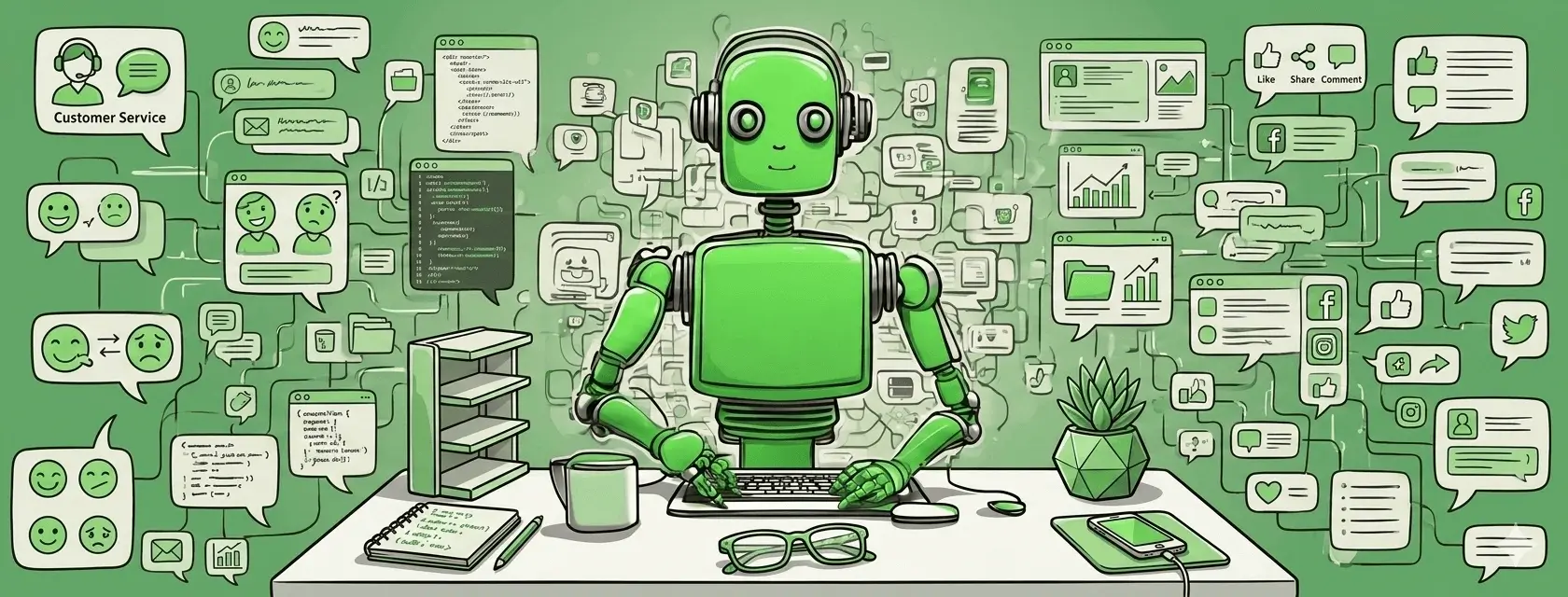
Enterprise knowledge assistants act as a central intelligence layer for company information. Large organizations often store data across dozens of tools including Google Drive, Confluence, Slack, Notion, SharePoint, and internal databases. Employees waste significant time navigating these systems just to find one piece of information.
Knowledge assistants solve this by enabling natural language search across all company knowledge sources.
Example use case:
An employee asks:
"What is our remote work reimbursement policy?"
Instead of manually searching HR documentation, the assistant retrieves the relevant policy document, summarizes the key rules, and links to the official source.
In more advanced deployments, the assistant can:
search across internal documents
summarize long reports
answer employee policy questions
surface historical decisions or discussions
Companies such as Microsoft, Atlassian, and Shopify are already implementing internal knowledge assistants to help employees access information faster.
Modern AI-powered enterprise knowledge management solutions increasingly function as a company-wide intelligence layer. Platforms such as Action Sync combine enterprise search, an information retrieval system, and workflow automation to help employees instantly access internal information and act on it without switching between tools.
Pro Tip: The effectiveness of knowledge assistants depends heavily on integrations. Connect them with collaboration tools like Slack, document repositories like Google Drive, and project platforms like Notion or Confluence. The more systems the assistant can access, the more valuable it becomes.
2. Customer Support AI Assistants
Customer support is one of the earliest and most successful enterprise AI assistant deployments.
Support teams deal with high ticket volumes, repetitive questions, and complex troubleshooting workflows. AI assistants help support agents resolve cases faster while improving customer satisfaction.
Modern customer support assistants can:
summarize customer tickets
suggest response drafts
retrieve knowledge base articles
categorize issues automatically
detect customer sentiment
For example, when a support agent receives a ticket describing a login problem, the assistant analyzes the message, compares it with historical tickets, and recommends troubleshooting steps based on similar cases.
Many large companies report 20–40% faster ticket resolution times after deploying AI support assistants.
This is one of the most widely adopted AI assistants used by companies because it directly impacts customer experience and operational efficiency.
3. Sales Intelligence Assistants
Sales teams operate in highly data‑driven environments. Customer information lives inside CRM systems, emails, call transcripts, product analytics, and meeting notes.
Sales intelligence assistants analyze this data and deliver insights that help sales teams close deals faster.
These assistants typically provide:
deal risk alerts
automated meeting summaries
lead qualification insights
customer sentiment analysis
next‑best action recommendations
For example, after a sales meeting, an AI assistant can automatically summarize the conversation, extract follow‑up actions, update the CRM, and flag potential deal risks.
Organizations using sales assistants often report improved pipeline visibility and higher conversion rates because sales reps spend more time selling and less time updating systems.
These tools represent powerful AI assistants for business examples because they directly influence revenue growth.
4. Marketing Content Assistants
Marketing teams are under constant pressure to produce high volumes of content across multiple channels: blogs, emails, landing pages, social media, ad copy, and product messaging.
AI marketing assistants help teams scale content production while maintaining quality and consistency.
Capabilities typically include:
campaign performance analysis
content idea generation
SEO optimization suggestions
competitor analysis
marketing copy generation
For example, a marketing manager could ask an AI assistant:
"Generate 10 blog topic ideas based on our latest product launch and target keywords."
The assistant analyzes search trends, competitor content, and internal messaging guidelines to produce optimized suggestions.
Many marketing teams now rely on AI assistant software for enterprises to accelerate content workflows and improve campaign performance.
5. HR and Employee Experience Assistants
Human resources teams manage complex employee interactions including onboarding, benefits questions, internal policies, and performance processes.
AI assistants help HR teams scale employee support without increasing administrative workload.
Common use cases include:
answering HR policy questions
onboarding new employees
explaining benefits programs
guiding employees through internal processes
scheduling interviews
For example, a new employee might ask:
"How do I enroll in the company health insurance plan?"
The assistant can instantly provide step‑by‑step instructions and link to the relevant forms.
These assistants dramatically improve employee self‑service and reduce the number of HR support requests.
6. Engineering Productivity Assistants
Engineering teams were among the earliest adopters of AI assistants. Software development involves large codebases, documentation, debugging, and collaboration across distributed teams.
Engineering assistants help developers work faster and reduce errors.
Common capabilities include:
code suggestions
bug detection
automated documentation generation
pull request summaries
test generation
For example, an engineer reviewing a pull request can ask the assistant:
"Summarize the changes introduced in this commit."
The assistant analyzes the code diff and explains the update in simple language.
Engineering assistants are quickly becoming some of the best AI assistant examples in modern organizations because they directly accelerate product development.
7. Finance and Data Analysis Assistants
Finance departments deal with large volumes of structured data including budgets, forecasts, expense reports, and financial statements.
AI assistants help finance teams analyze these datasets faster and surface insights automatically.
Typical capabilities include:
financial report summarization
anomaly detection in transactions
revenue forecasting
automated metric explanations
For instance, a finance executive could ask:
"Why did operating expenses increase last quarter?"
The assistant analyzes financial data and identifies key cost drivers.
For executives, these enterprise AI assistant examples enable faster and more data‑driven decision‑making.
8. Meeting and Productivity Assistants
Meetings consume a large portion of corporate work time. Employees often struggle to keep track of discussions, decisions, and action items.
Meeting assistants help organizations capture knowledge from meetings automatically.
These assistants can:
record meetings
generate summaries
extract action items
assign tasks automatically
track decisions over time
Employees can quickly review meeting outcomes without watching the entire recording.
This dramatically improves meeting efficiency and reduces follow‑up confusion.
9. Executive Decision Assistants
Senior executives must synthesize insights from multiple departments including finance, marketing, product, and operations.
Executive AI assistants aggregate data from these systems and provide concise strategic insights.
Example prompts include:
"Summarize this week's sales performance."
"What are the top product issues reported by customers?"
"Which markets are showing the fastest growth this quarter?"
Instead of reviewing multiple dashboards, executives receive a single intelligent summary of business performance.
These assistants help leaders focus on strategy rather than data collection.
10. IT Operations Assistants
IT teams manage infrastructure, cybersecurity alerts, software deployments, and incident responses.
AI assistants help automate operational troubleshooting and reduce downtime.
Capabilities include:
diagnosing system issues
summarizing incident reports
recommending troubleshooting steps
analyzing system logs
For example, when a system outage occurs, the assistant can analyze logs and recommend potential root causes.
This helps IT teams resolve incidents faster and maintain system reliability.
11. Procurement and Vendor Assistants
Large enterprises manage hundreds or even thousands of suppliers. Procurement teams must analyze contracts, track vendor performance, and negotiate pricing.
AI assistants help procurement leaders make better purchasing decisions.
Typical capabilities include:
contract analysis
supplier risk monitoring
spend analytics
vendor performance tracking
These insights allow companies to reduce procurement costs and optimize supplier relationships.
12. Enterprise Workflow Automation Assistants
The most advanced AI assistants go beyond answering questions—they execute tasks across enterprise systems.
These assistants function as operational agents capable of completing multi‑step workflows.
Examples include:
creating Jira tickets
updating CRM records
generating performance reports
assigning tasks to team members
For instance, a manager could ask:
"Create a weekly sales report and share it with the leadership team."
The assistant retrieves the data, generates the report, and distributes it automatically.
These advanced AI assistant examples represent the next evolution of enterprise automation.
Some modern enterprise assistants are evolving beyond simple task automation into operational AI agents capable of coordinating work across multiple applications. Platforms like ActionSync allow teams to trigger multi-step workflows. Such as generating reports, updating CRM systems, or creating project tasks. All using simple natural language commands.
13. Legal and Contract Analysis Assistants
Enterprise legal teams manage enormous volumes of contracts, regulatory documents, compliance policies, and partnership agreements. Manually reviewing these documents is time‑consuming and error‑prone, especially when organizations operate across multiple jurisdictions.
AI legal assistants accelerate this process by using natural language processing and large language models to analyze legal text, detect risks, and highlight critical clauses.
Typical capabilities include:
automated contract clause extraction and classification
risk identification in agreements (liability, indemnity, termination clauses)
regulatory and compliance monitoring
legal document summarization and comparison
contract obligation tracking
For example, when reviewing a vendor agreement, a legal assistant can quickly flag unusual liability clauses, compare them with company standards, and summarize the key risks for legal teams.
In large enterprises handling thousands of contracts annually, these assistants can reduce contract review time by 50–70%. This allows legal teams to focus on negotiation strategy, risk mitigation, and regulatory compliance rather than on manual document analysis.
14. Cybersecurity AI Assistants
Modern enterprises face a constantly evolving cybersecurity threat landscape. Security operations centers (SOCs) must monitor thousands of alerts generated by firewalls, endpoint detection systems, SIEM platforms, and cloud infrastructure tools.
AI cybersecurity assistants help analysts cut through this noise by prioritizing threats, correlating security signals, and automating parts of incident investigation.
Capabilities typically include:
threat intelligence analysis and enrichment
security alert prioritization and triage
automated incident investigation
vulnerability detection and risk scoring
log pattern analysis across infrastructure systems
For example, when multiple alerts appear across systems, the assistant can correlate them into a single security incident and provide a summarized investigation report.
This significantly reduces analyst fatigue and improves response times. In mature security teams, AI assistants can reduce mean time to detection (MTTD) and mean time to response (MTTR), which are critical metrics in cybersecurity operations.
15. Product Management Assistants
Product managers operate at the intersection of customers, engineering teams, and business leadership. They must constantly synthesize information from user feedback, analytics dashboards, support tickets, and internal discussions.
AI product management assistants help organize this fragmented information and transform it into actionable insights.
Typical capabilities include:
summarizing customer feedback from multiple channels
analyzing feature requests and identifying patterns
generating product requirement document (PRD) drafts
summarizing user research and usability testing
tracking roadmap progress across engineering tools
For instance, a product manager could ask an assistant:
"What are the most requested features in the last 90 days?"
The assistant can analyze support tickets, feature request boards, and user feedback to identify trends and prioritize product improvements.
By reducing manual analysis, these assistants allow product leaders to focus more on strategy, prioritization, and product innovation.
16. Business Intelligence Assistants
Business intelligence (BI) assistants transform how employees interact with company data. Traditionally, accessing analytics required navigating complex dashboards or writing SQL queries.
AI‑powered BI assistants enable natural language analytics, allowing employees to ask questions and instantly receive data‑driven answers.
For example, an employee might ask:
"What were our top performing markets last quarter?"
The assistant queries underlying analytics databases, aggregates the relevant metrics, and returns a clear explanation along with charts or summaries.
Key capabilities include:
natural language queries for analytics
automated dashboard explanations
anomaly detection in business metrics
report generation for executives
These assistants democratize access to data across the organization, enabling non‑technical employees to explore insights without relying on data teams.
17. Training and Learning Assistants
Large enterprises invest heavily in workforce training and professional development programs. However, employees often struggle to retain different types of knowledge from training sessions or locate learning materials when needed.
AI learning assistants provide continuous, on‑demand support for employee education and skill development.
Common use cases include:
answering questions related to training materials
recommending personalized learning modules
summarizing long educational resources
providing interactive coaching or quizzes
reinforcing knowledge after training programs
For example, after completing a cybersecurity awareness course, an employee could ask the assistant:
"What are the steps to report a phishing attempt?"
The assistant can instantly provide the correct procedure based on internal training guidelines.
This helps organizations scale training programs while improving knowledge retention across teams.
18. Supply Chain Optimization Assistants
Supply chains involve complex coordination between suppliers, manufacturers, logistics providers, warehouses, and retail channels. Even small disruptions can cause large operational delays or financial losses.
AI assistants help supply chain leaders monitor operations in real time and optimize logistics decisions using predictive analytics.
Capabilities include:
demand forecasting based on historical and market data
inventory optimization across warehouses
supplier performance monitoring
logistics and shipment analytics
disruption detection in global supply chains
For instance, if demand for a product suddenly increases in a particular region, the assistant can recommend reallocating inventory from nearby warehouses to prevent stockouts.
These assistants improve supply chain resilience while helping enterprises reduce excess inventory costs.
19. Customer Insights Assistants
Customer insights assistants analyze large volumes of customer data generated across multiple channels including surveys, product usage analytics, reviews, support tickets, and social media interactions.
Their goal is to help companies understand customer behavior, sentiment, and emerging trends.
Key capabilities include:
sentiment analysis of customer conversations
customer feedback summarization
churn prediction using behavioral signals
identification of usage patterns in product analytics
segmentation of customer cohorts
For example, an assistant might identify that customers who experience a specific onboarding issue are significantly more likely to churn.
By surfacing these insights early, companies can proactively improve customer experience and reduce revenue loss.
20. Strategic Planning Assistants
Strategic planning requires leaders to evaluate market trends, competitor activity, internal performance metrics, and macroeconomic signals.
AI strategic assistants help executives synthesize this information and generate actionable insights for long‑term planning.
Capabilities include:
competitive intelligence monitoring
market trend analysis
scenario modeling and forecasting
automated strategic report generation
For instance, a leadership team could ask:
"How is our market share changing compared to our top three competitors?"
The assistant can analyze market reports, sales data, and competitor activity to produce a summarized strategic overview.
These assistants enable faster, more informed decision‑making and help leadership teams align strategy with real‑time business intelligence.
Most Active Industries Using Enterprise AI Assistants
While enterprise AI assistants are spreading across nearly every sector, adoption is particularly strong in industries where employees must process large volumes of information, make rapid decisions, and coordinate across complex systems.
According to a 2025 report by McKinsey on generative AI adoption, over 65% of organizations report regularly using AI in at least one business function, with technology, financial services, and retail leading adoption. Similarly, Gartner predicts that by 2027, more than 50% of enterprise workers will use AI assistants daily, compared with less than 5% in 2023.
Below are the industries currently seeing the most impact.
#1: Technology Companies
Technology firms were among the earliest adopters of enterprise AI assistants because their workflows already rely heavily on digital tools, data platforms, and distributed teams.
Tech companies use AI assistants for:
engineering productivity and code generation
knowledge search across documentation
DevOps automation and incident response
product analytics and user feedback analysis
For example, internal engineering assistants help developers navigate large codebases, summarize pull requests, and generate documentation automatically. According to GitHub research on AI coding tools, developers using AI coding assistants complete tasks up to 55% faster, significantly accelerating product development cycles.
Because of their experimentation culture and access to technical talent, technology companies often act as early testing grounds for enterprise AI assistant capabilities before the technology spreads to other industries.
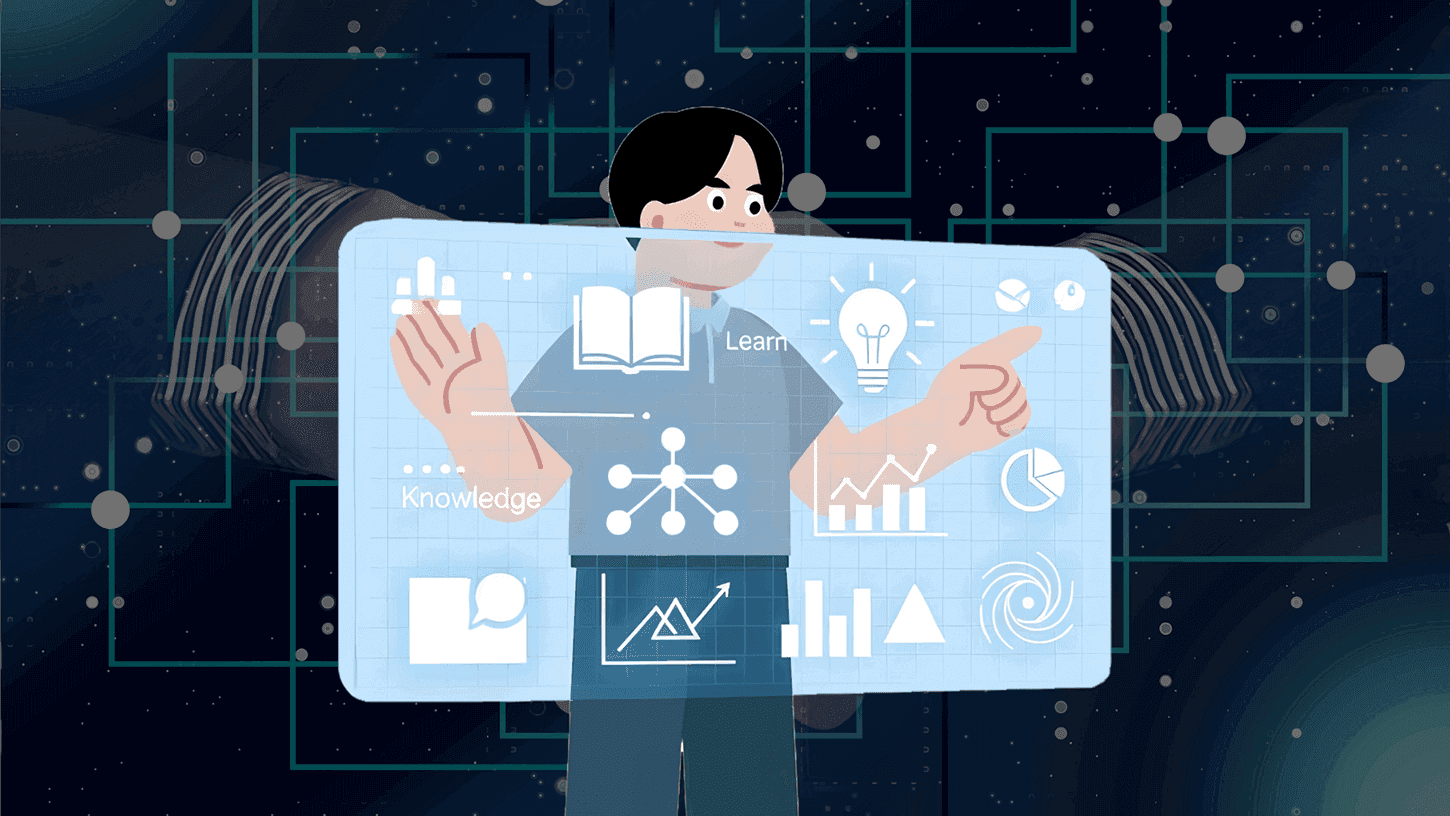
Many technology companies are now deploying internal AI assistants to unify engineering knowledge, product analytics, admin, and operational workflows. Enterprise assistant tools such as Action Sync are designed specifically to connect these systems and provide teams with a single AI interface for retrieving knowledge and executing tasks.
#2: Financial Services
Banks, insurance providers, and fintech companies manage enormous volumes of structured and unstructured data, making them prime candidates for AI‑driven assistants.
Common enterprise assistant use cases in financial services include:
fraud detection and transaction monitoring
regulatory compliance analysis
automated financial reporting
customer support automation
risk modeling and forecasting
According to Deloitte's 2025 financial services AI report, over 70% of large banks are actively investing in AI assistants for internal operations and customer service. These systems help analysts process financial data faster while ensuring compliance with increasingly complex regulations.
In trading and investment environments, AI assistants also help analysts quickly summarize market news, earnings reports, and macroeconomic indicators.
#3: Healthcare Organizations
Healthcare systems generate vast amounts of clinical documentation, research papers, medical imaging, and patient records. Doctors and administrators often struggle to access relevant information quickly.
AI assistants in healthcare support:
clinical documentation and summarization
medical research retrieval
administrative workflow automation
patient support services
hospital operations optimization
According to a 2024 study published in JAMA Network Open, physicians spend nearly 50% of their workday interacting with electronic health records (EHRs) rather than patients. AI assistants help reduce this burden by summarizing patient histories, generating clinical notes, and retrieving treatment guidelines.
Major hospital networks are now experimenting with AI clinical assistants that support both physicians and administrative staff.
#4: Retail and E‑Commerce
Retailers and e‑commerce companies rely heavily on data to understand consumer behavior, manage inventory, and optimize marketing campaigns.
AI assistants are increasingly used for:
customer behavior analysis
inventory forecasting and supply chain optimization
marketing campaign automation
customer service chat and support
product recommendation insights
According to Salesforce's State of Marketing report, over 60% of retail organizations already use AI in marketing, merchandising, or customer experience workflows.
AI assistants help retail teams quickly interpret customer data across websites, mobile apps, loyalty programs, and in‑store systems. This allows companies to personalize experiences at scale while improving operational efficiency.
FAQs or Frequently Asked Questions
Q: How are AI assistants used in large companies?
Large organizations deploy AI assistants for knowledge search, customer support, sales intelligence, meeting summaries, marketing automation, and data analysis.
Q: Are AI assistants replacing employees?
No. AI assistants augment human productivity rather than replace employees. They handle repetitive tasks while employees focus on strategic work.
Q: Are AI assistants secure enough for enterprise environments?
Security is one of the most important requirements for enterprise AI systems. Modern enterprise AI assistants are designed with strict security and governance controls. These systems often include role-based access permissions, private data indexing, secure cloud deployment, and compliance with enterprise security standards. This ensures that sensitive company information is only accessible to authorized users.
Q: How should companies start implementing AI assistants in their organization?
Companies should begin by identifying high-impact workflows where employees spend significant time on manual tasks, such as searching for internal knowledge, analyzing reports, or responding to repetitive queries. Starting with a focused use case allows organizations to measure ROI quickly and demonstrate value before expanding AI assistants across additional teams.
Conclusion
Enterprise AI assistants are rapidly becoming a core layer of modern business infrastructure. What started as simple automation tools has evolved into intelligent systems capable of retrieving knowledge, analyzing data, supporting employees, and even executing complex workflows across enterprise software ecosystems.
The examples explored in this article show that AI assistants are no longer limited to a single department. Organizations now deploy them across customer support, sales, marketing, engineering, finance, HR, cybersecurity, and executive decision‑making. By connecting enterprise data and systems through a unified conversational interface, these assistants help employees access insights faster and complete work more efficiently.
For large organizations, the value goes far beyond productivity improvements. Enterprise AI assistants enable companies to reduce operational friction, unlock institutional knowledge, improve decision‑making, and scale internal processes without proportionally increasing headcount.
However, successful adoption requires thoughtful implementation. Enterprises must focus on clear business use cases, strong data integrations, robust security controls, and measurable ROI. When deployed strategically, AI assistants can transform how teams collaborate, solve problems, and deliver value to customers.
For business leaders exploring AI transformation, one thing is clear: enterprise AI assistants are not just a passing trend. They are quickly becoming an essential part of the modern workplace.
If you're evaluating AI enterprise assistants for your organization, Action Sync helps teams to unify knowledge, automate workflows, and access enterprise data through a single AI interface.
👉 Book a FREE demo to see how it works in a real enterprise environment.